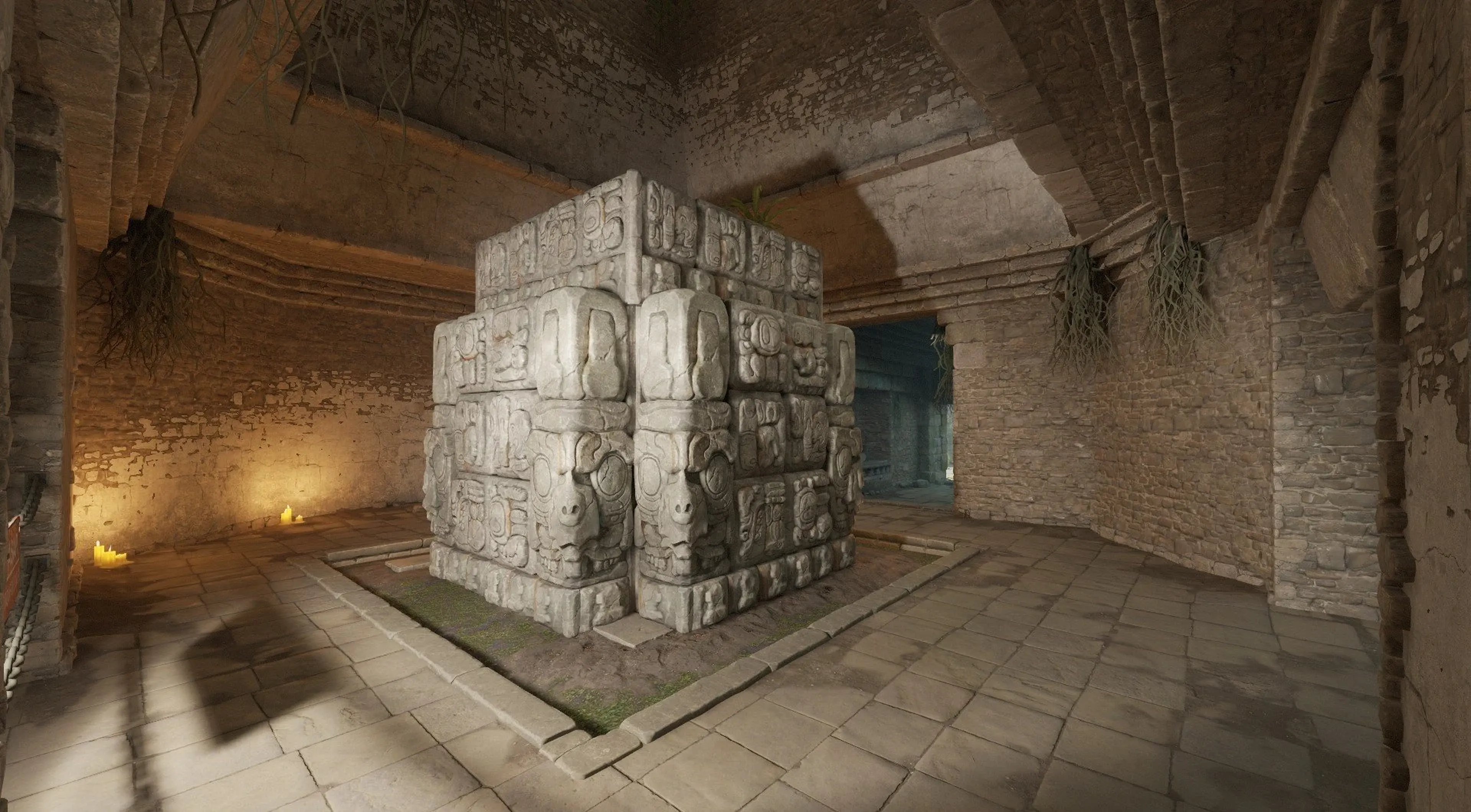
Counter Strike 2 Server Hosting
Launch your server instantly, customise settings, and play CS2 your way, with full control, zero lag, and 24/7 uptime.

Setup Fees
€0.00 EURMonthly
€11.61 EURSecure and trusted payments.
- 99.9% Uptime
- DDoS Protection
- 24/7 Support
- 72hr Self-Serve Refund
- Instant Server Setup
- Auto-Updates
Trusted by players worldwide
Tom and the team at shockbyte always helpful and prompt with their responses. They go above and beyond for their customers! Had zero issues or downtime for nearly a year being with Shockbyte.
Ryan, 28 Sept 2026
Had a bit of trouble but Ruben B sorted me out with top notch customer service he has been one of the most helpful employees I have ever met as he was patient and provided good detail on how to solve my issue . Ruben B was a terrific help.
Joel H, 25 Sept 2026
Very exceptional service from the AI system and the very kind Jay B which gave a moderate but good help. Good time to respond and straight to the point. Would want him as a support agent again!
Robert S, 25 Sept 2026
The service is great and the customer support team member Tom was very courteous and was able to quickly resolve the backend port issue our server was experiencing.
John, 28 Jul 2026
The person who actually helped me Jade was fantastic, however it took multiple days before I received help I had to put in multiple tickets then use the online chat to force myself to speak to a human, which in turn I did finally get everything up and running.
Jake P, 23 May 2026
Tom was extremely helpful and helped me solve my problem very quick. Definitely has solidified using Shockbyte as my primary server host for the foreseeable future.
Tristan V, 10 Sept 2026
Choose your server plan

Silver
Best for 10 players€8.93
/monthly
Gold
Best for 16 players€11.61
/monthly
Global Elite
Best for 32+ players€17.87
/monthly- 72-hour money-back guarantee
- Cancel or change plans anytime
- Secure SSL-encrypted checkout
Built for Mods & Custom Gameplay
From custom maps to server-side plugins and gameplay tweaks, our CS2 hosting supports full modding to help you create your ideal server environment.
Install mods via the control panel or manage manually with full FTP access. Set up tools, trainers, or community modes easily.
What is Counter Strike 2 Server Hosting?
Counter-Strike 2 server hosting gives you full control of your own CS2 server so you can run private matches, custom games, or public servers exactly the way you want.
Your CS2 dedicated server runs 24/7, giving you a consistent and lag-free experience for scrims, tournaments, or casual play. You control the rules, the mods, and the experience from start to finish.
Everything your new server needs
Powerful hardware and purpose-built tooling, wrapped in a control panel simple enough for anyone to use.
60-second setup
Your server is provisioned automatically. Invite friends and jump into the world before the kettle boils.
One-click mods
Install mods and plugins straight from the panel, or upload your own with full FTP access.
Custom worlds
Upload your own maps and prefabs, or generate a fresh world from the control panel in a click.
Low-latency hardware
Ryzen 9 CPUs and NVMe SSDs keep chunk loading instant and building lag-free.
Automatic backups
Scheduled off-site backups and one-click restore, so a bad build or a rogue plugin never costs you the map.
Free DDoS protection
Enterprise-grade mitigation on every plan keeps your world online through even the largest attacks.
Manage your server from anywhere
A powerful, beginner-friendly dashboard runs every plan. No SSH, no config headaches just point, click and play.
One-click controls
Start, stop and restart your world instantly, no commands.
Live console & logs
Watch your server in real time and run commands straight from the browser.
Edit server settings
Tune world type, difficulty, PvP and view distance with simple toggles.
FTP & mod manager
Upload worlds, install mods and swap files with full FTP access anytime.
We serve customers around the world
From the US to Europe, Asia, and Australia - we’ve got servers worldwide so you can play with low ping wherever you are.
- Netherlands
- Germany
- UK
- France
- Poland
Frequently asked questions
Still have questions? Chat with our team.
Most servers are online in under 60 seconds. Checkout provisions the machine automatically, and you get the connection address the moment it boots.